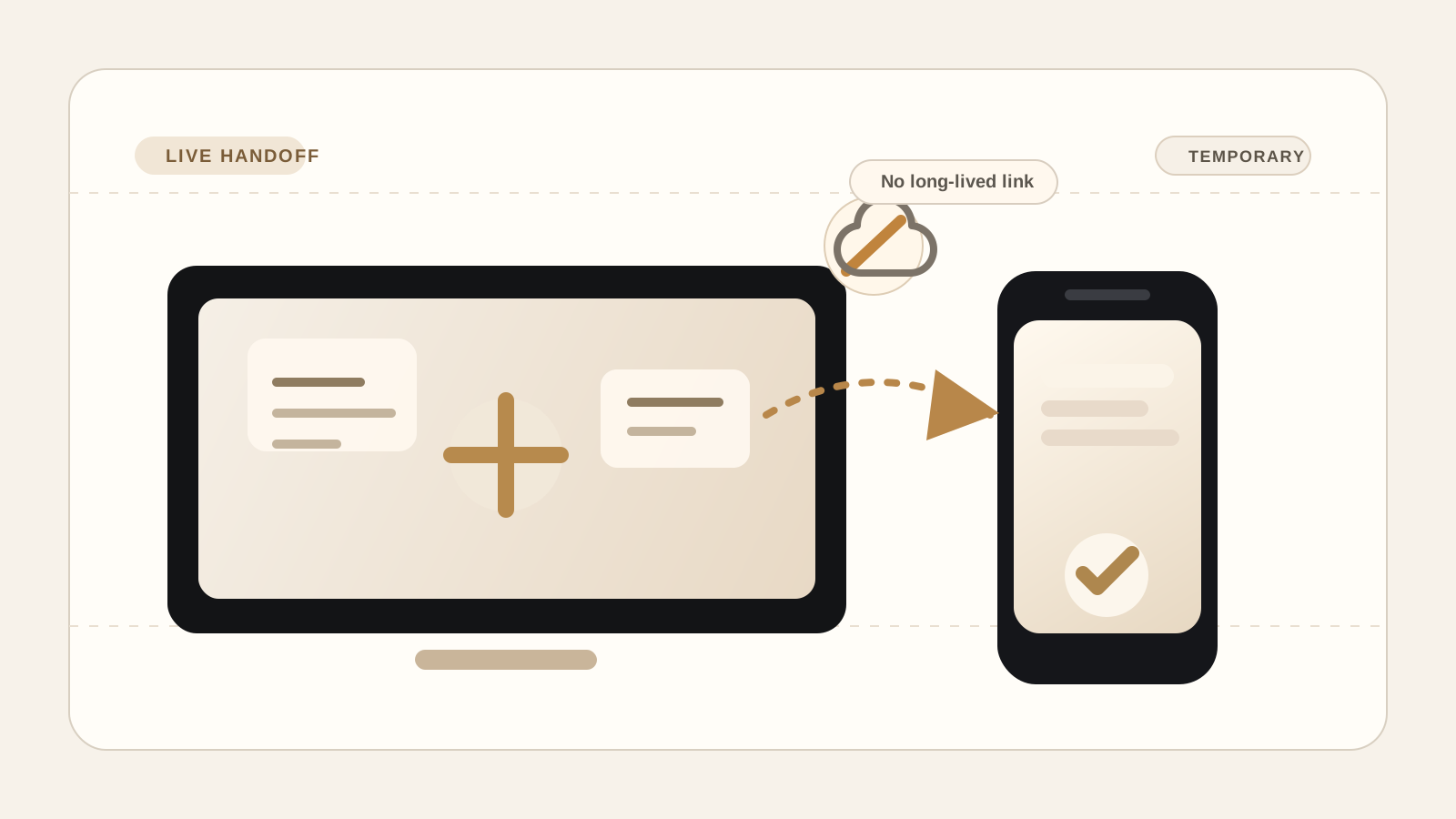
Secure browser file transfer: what should happen before a file leaves your device.

PairSend Team
Product and security notes
A plain-language guide to secure browser file transfer, WebRTC data channels, authenticated encryption, temporary sessions, and when PairSend fits.

Secure file transfer is not just a lock icon. The safer pattern starts with what the product stores, how the browser moves data, and what happens when the session ends.
Key takeaways
- 01A secure browser transfer should reduce storage, not create another permanent place for the file.
- 02WebRTC data channels can move arbitrary data between peers, but large files still need chunking and flow control.
- 03Application-layer encryption and short-lived sessions keep the product promise understandable.
Start with the storage question
Most people searching for secure file transfer are not asking for a lecture about cryptography. They are asking a practical question: where does my file go, who can access it, and how long does it stay there?
That is why PairSend treats secure browser file transfer as a workflow decision before it treats it as a technology claim. The product is built for a live handoff between two present devices. It is not a cloud drive, not an async upload portal, and not a shared folder that keeps growing after the immediate job is done.
The goal is narrow: start a temporary session, join from the second device with a code or QR, send files or text live, and let the room expire after the handoff.
What the browser can do well
Modern browsers can do more than submit a form upload. MDN's WebRTC data channel guide explains that a data channel can exchange arbitrary data between peers. That makes it a practical fit for file-transfer products that want to avoid turning every send into a server-hosted file.
The browser path still needs discipline. MDN notes that large messages can create blocking problems, so a serious transfer tool should split files into manageable chunks, report progress, and keep both devices open during the session.
PairSend's product copy should stay clear about that tradeoff. It is strong when both devices are present and the file needs to move now. It is not meant for someone who wants a link that works next week while the sender is offline.
- Use PairSend when both devices are available during the handoff.
- Use cloud storage when the receiver needs access later and the sender may be offline.
- Use a team drive when the file should become part of a shared archive.
Encryption should be explicit, not decorative
Transport encryption matters, but it should not be the whole story. PairSend's security model is application-layer encryption for items before they leave the browser. That keeps the product promise closer to what users actually care about: the transfer systems should coordinate the handoff, not read the content.
The browser has serious cryptography primitives available through Web Crypto. MDN's SubtleCrypto documentation highlights AES-GCM as an authenticated mode that includes checks against ciphertext modification. The practical takeaway for users is simpler: the product should protect the item and reject tampering rather than merely move bytes quickly.
This is also why PairSend does not sell paid plans as a stronger privacy tier. Paid plans add saved devices, higher daily limits, and more room for repeat use. The encryption story should stay the same for everyone.
Trust shortcuts need clear boundaries
Convenience features can weaken a security story if they are vague. PairSend's trusted-device flow is intentionally local and opt-in: a successful live session can remember a device on the same browser, then later use signed invites to start a fresh session faster.
That direction is consistent with the broader move toward domain-bound, phishing-resistant authentication. NIST's authenticator guidance describes WebAuthn as an example of verifier-name binding, where the authenticator output is tied to the authenticated domain.
For PairSend, the plain-language version is what matters on the page: saved devices help repeat handoff, but they do not turn the product into an account system or a forever connection.
When PairSend is the right fit
PairSend is a good fit for a person who wants to send a file from phone to laptop, laptop to phone, or one browser to another without creating a long-lived upload link.
The boundary is the point. PairSend is not trying to replace every file-sharing workflow. It is for a smaller, common moment: two devices are present, the handoff should happen now, and the session should end cleanly.
- Good fit: one-off private handoffs between two present devices.
- Good fit: repeat personal handoffs where saved devices reduce scanning.
- Poor fit: long-lived public links, team folders, or cloud archives.
Sources
Quick answers
Is secure browser file transfer the same as cloud storage?
No. Secure browser file transfer can be built around a live session, while cloud storage is built around keeping files available later.
Does PairSend require an account to send a file?
No. PairSend is designed around code or QR pairing, with paid access stored locally on the device instead of a traditional account flow.