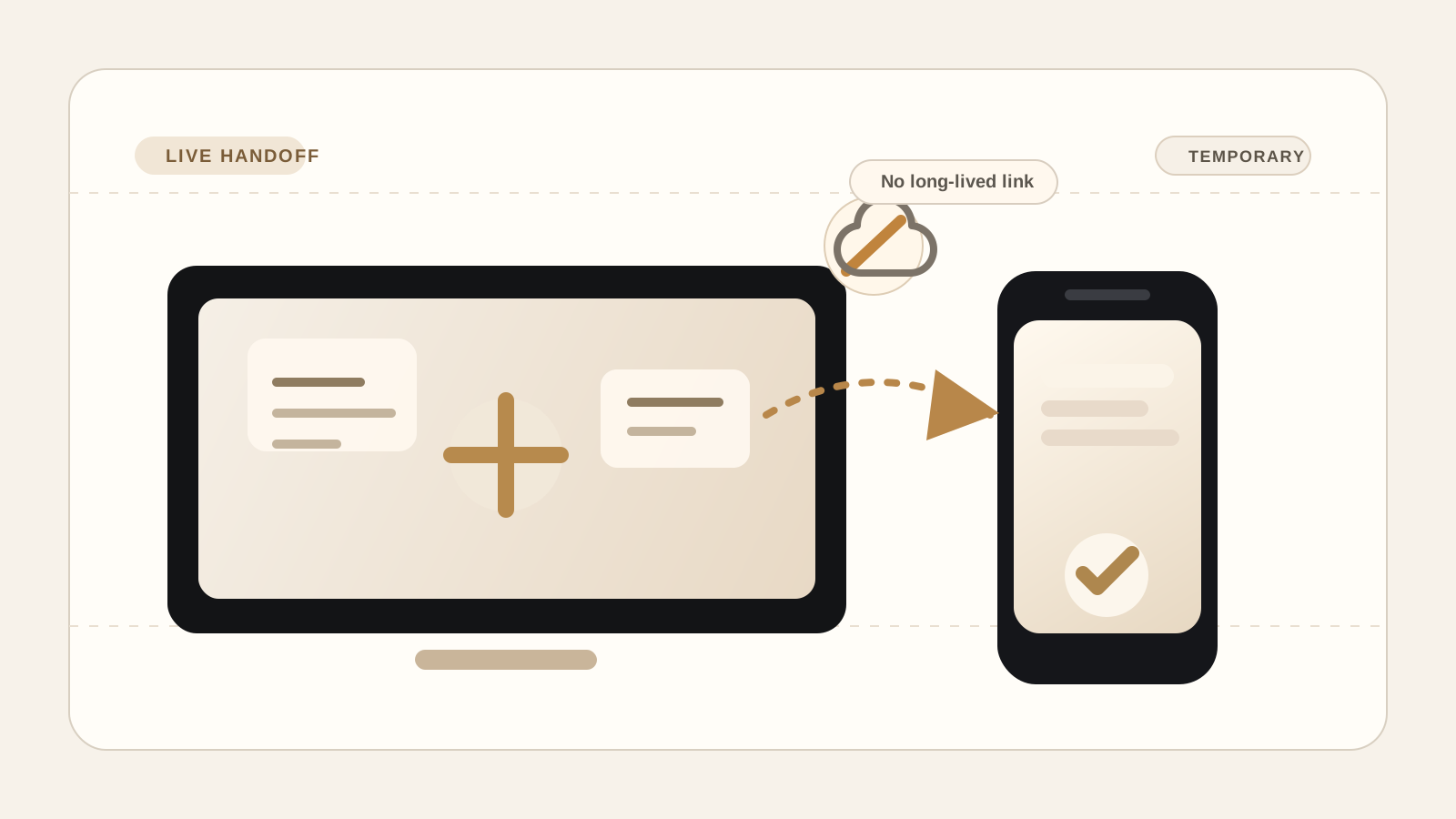
File transfer without cloud storage: when a live session is the better workflow.

PairSend Team
Product and workflow notes
Learn when file transfer without cloud storage is a better fit than shared folders, upload links, or sync tools, and how PairSend approaches temporary handoff.

A lot of file tools solve every transfer by storing the file first. For quick device handoffs, a live temporary session can be the cleaner product shape.
Key takeaways
- 01Cloud storage is useful for async access, but it is often more product than a one-time handoff needs.
- 02A live session works best when both devices are present and the transfer should not become a permanent folder.
- 03Clear boundaries help users choose the right tool before they upload anything.
Why people search for this
Searches like send files without cloud storage or file transfer without upload usually come from a specific frustration. The person has a file on one device and needs it on another, but the default answer asks them to create a stored copy first.
Cloud storage is not bad. It is excellent when a document needs to be shared with a team, opened later, synced across devices, or retained as a source of record. The problem is fit. A single screenshot, export, signed PDF, or client asset does not always need to become another stored object in a folder.
PairSend is built for the smaller job: move the file now, between two present devices, in a session that is designed to end.
Storage adds responsibility
The more a product stores, the more it has to explain retention, access, deletion, recovery, account ownership, and breach impact. The FTC's data-security guidance summarizes the practical security posture clearly: collect only what you need, keep it safe, and dispose of it securely.
For a file-transfer product, that principle points to a useful product question: does this file need storage at all, or does it only need transportation?
PairSend answers that by making the room temporary. The backend is for coordination, not as a long-term file vault. The user-facing copy should make that distinction visible before the user sends anything.
A live session is simpler to understand
The session model is easy to explain because it matches how people already think about handoff. One device starts. The other joins. The file moves. The session ends.
That model gives users a clearer decision. If the file needs a permanent home, a cloud drive is still the better tool. If the file only needs to cross from one device to another, a live session removes the extra storage step.
The best product copy should answer the practical questions first: how the second device joins, whether the browser needs to stay open, what happens when the session ends, and when a stored link would be the wrong tool.
- Start with the device handoff the reader is trying to complete.
- Explain the session boundary before introducing technical details.
- Name the cases where cloud storage is still the better fit.
The browser path is credible when it is specific
A claim like browser-based transfer is only useful when the page explains the mechanism. MDN's WebRTC data channel guide describes data channels as a way to exchange arbitrary data between peers. That is the kind of technical source worth linking because it helps readers verify that this is not just marketing language.
PairSend should keep that explanation plain. Users do not need to learn protocol names before they send a file. They do need to know that the product is designed around a live browser session and that both devices should stay open until the transfer completes.
Useful guidance has to answer the real question
This matters for Google and for answer engines. Google Search Central's people-first guidance emphasizes content that is useful to people first. For PairSend, that means each article should solve the reader's immediate question before it talks about the product.
The practical pattern is simple: define the problem, explain when a live session fits, name when a different tool is better, and link to credible sources. That is more useful to a person and easier for search and answer systems to cite accurately.
Choosing the right tool
Use PairSend when the file only needs to move from one present device to another. Use a cloud drive when the file needs to be stored, shared asynchronously, edited by a team, or found again months later.
That boundary keeps the product honest. The blog should make the choice easier before the reader sends anything.
- Best PairSend use case: live transfer between two devices.
- Best cloud-storage use case: long-term access and collaboration.
- Best blog angle: explain the difference in plain language with credible sources.
Sources
Quick answers
Can I send files without cloud storage?
Yes, when both devices are present. PairSend is built for live temporary transfer instead of storing a file for later download.
When should I still use cloud storage?
Use cloud storage when you need a file to be available later, shared with a team, synced across devices, or retained as a record.