
No account required is not the same as nothing stored: how to judge a private file transfer claim.

PairSend Team
Editorial and product notes
A practical guide to no-account file transfer, how guest links differ from live browser handoff, and what to check before you send a private file.
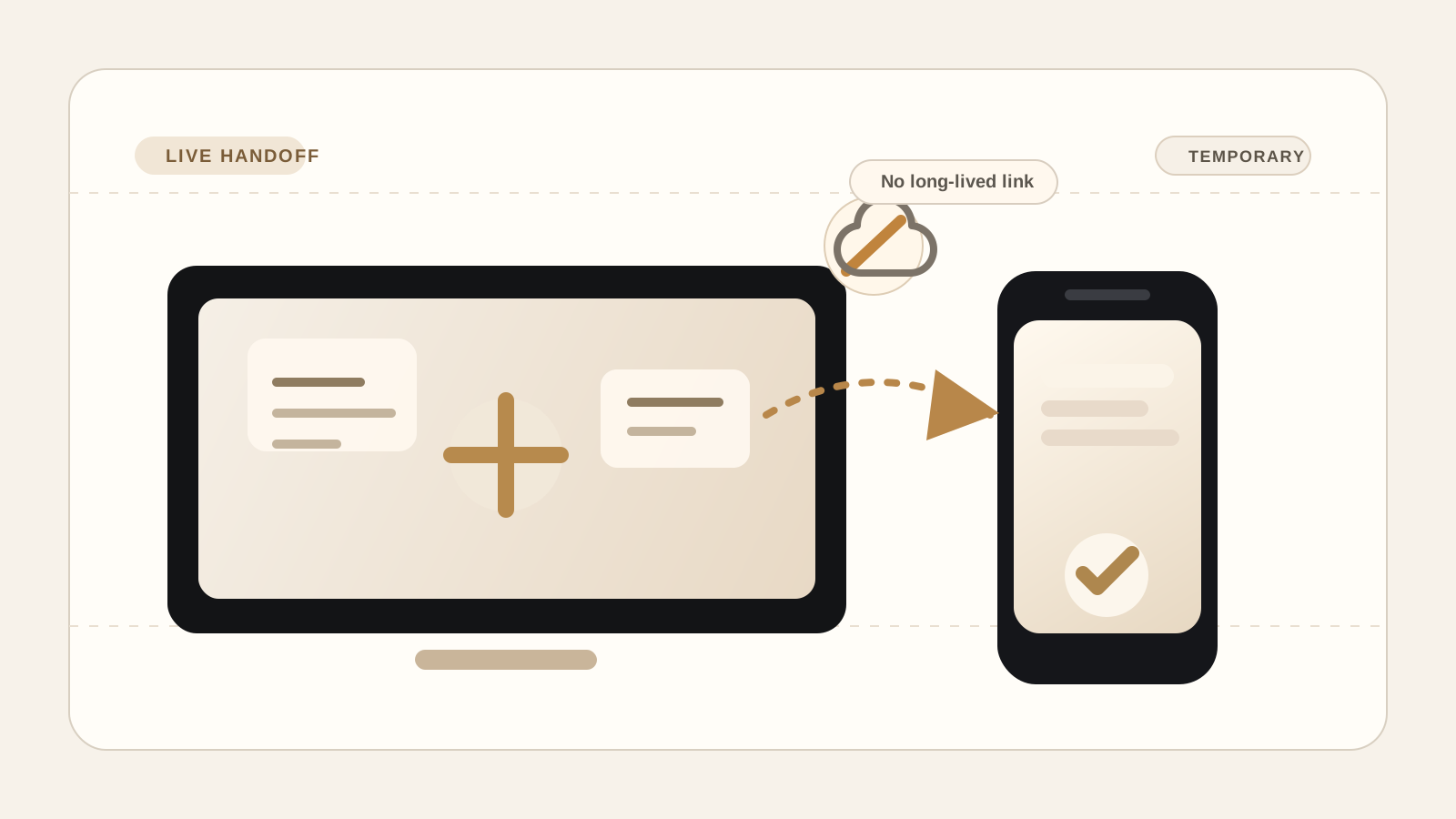
Many file tools advertise no account required. That removes one kind of friction, but it does not tell you whether the file is uploaded first, how long it sits there, or who has to clean it up later.
Key takeaways
- 01"No account required" describes signup friction, not whether a file is uploaded or retained.
- 02A live browser handoff and an expiring upload link solve different jobs, even when both skip account creation.
- 03The strongest privacy claims combine clear storage boundaries with encryption and a hard session end.
What "no account required" actually tells you
A lot of file-transfer pages lead with the same promise: no signup, no login, no account required. That language answers one question only. It tells you how much identity friction is in the way before the transfer starts.
It does not tell you where the file goes after you click send. It does not tell you whether the product creates a stored copy, how long that copy lasts, or whether the transfer becomes a share link that can keep circulating after the original handoff is done.
That distinction is easy to miss because guest access and temporary storage are often bundled together. Microsoft's support page for sharing a file with no sign-in necessary is a good example of the pattern: the recipient does not need an account, but the file still lives in OneDrive and is shared by link.
The more important question is where the file waits
For private file transfer, storage is usually the bigger product decision than signup. Once a file is uploaded into a service, that service now owns retention, access control, link management, deletion behavior, and the security work that comes with keeping a copy around.
That is why the storage boundary matters so much. The FTC's data-security guidance emphasizes a simple principle that applies well here: collect only what you need, keep it safe, and dispose of it securely. A transfer product that can avoid long-lived storage avoids part of that burden entirely.
If your real job is only to move a file from one present device to another, a long-lived upload step may be extra system, extra exposure, and extra cleanup for no real benefit.
- No account can still mean upload first, link later.
- Temporary storage still creates retention and deletion responsibilities.
- A live handoff is better when the file only needs transportation, not a durable home.
What a live browser transfer changes
A live browser handoff uses a smaller product shape. One device starts the session. The other joins with a code or QR. The file moves while both devices are present. When the session ends, the transfer path ends with it.
That workflow is credible because modern browsers can exchange arbitrary data directly between peers. MDN's WebRTC data channel guide explains that data channels can securely exchange arbitrary data and that the browser should handle buffering and message-size limits carefully for larger transfers.
The tradeoff is equally important to say out loud. A live transfer is not a drop-in replacement for every share link. Both devices need to be around during the send, and the browser session needs to stay open until the handoff is finished.
Encryption wording still needs a storage boundary
Encryption claims are useful only when they are paired with a clear explanation of where the protected copy lives. Browser crypto is real. MDN's Web Crypto encrypt() documentation shows that the browser can encrypt data with primitives such as AES-GCM before the payload leaves the page.
But encryption alone does not make every workflow equivalent. An encrypted blob stored on a server for later download is still a stored object with a retention story. A live encrypted handoff is a different promise: protect the content, move it now, and avoid turning the transfer into another place where the file waits.
That is the honest reading of PairSend's privacy boundary. The product is built for temporary transfer between present devices, not for building a mailbox of expiring download links.
When PairSend is the better fit
PairSend fits the moment when you want a quick private handoff without another account prompt and without creating a long-lived upload in the middle. That can be your own phone and laptop, two browsers during a live call, or a file that only needs to cross devices once.
A no-account upload link is still useful when the recipient will arrive later, when multiple people need the same file asynchronously, or when the file should stay available after you close the browser. PairSend is not trying to replace that job. It is built for the narrower case where the transfer should end cleanly once the receiving device has the file.
- Use PairSend for live handoff between two present devices.
- Use an upload-link workflow when the recipient needs access later without you online.
- Judge privacy claims by storage behavior, not by whether the page asked you to sign up.
Sources
Quick answers
Does no account required mean the file is never stored?
No. It only means the sender or recipient may not need a login. The file can still be uploaded, retained temporarily, and shared by link.
Can a browser transfer work without an upload step?
Yes, when the product uses a live browser-to-browser handoff and both devices stay present for the transfer. That is the workflow PairSend is designed for.

